
Understanding the outer layer of a Minecraft skin
Add details on a second surface without repainting the base.
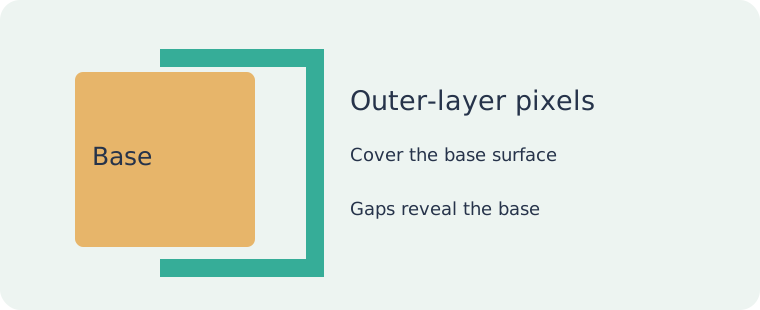
Two surfaces, one file
The base layer describes the main character surface. The outer layer occupies separate regions of the PNG and sits outside that surface on the model. It can suggest a jacket edge, cuff or hair detail.
Transparent is not white
A transparent pixel lets the surface behind it show through. A white pixel adds visible colour. Erase an unwanted outer-layer area instead of painting it to match the page background.
Choose the layer deliberately
Select the part and layer you intend to change. Hiding another layer can make inspection easier, but a preview visibility switch is not the same as editing saved pixels. Check the exported texture too.
Keep the geometry in mind
The outer layer is not a free-form 3D modelling tool. Painting a hat does not create an arbitrary mesh. Work with the available surface and inspect corners where a detail wraps onto another face.
Check the combination
Show both layers again. Inspect the front, back, sides and hidden areas. A detail that looks tidy alone may hide something on the base. Save the texture PNG and check it in the intended game environment.