
How to Recolor a Minecraft Skin · Hoodie Tutorial
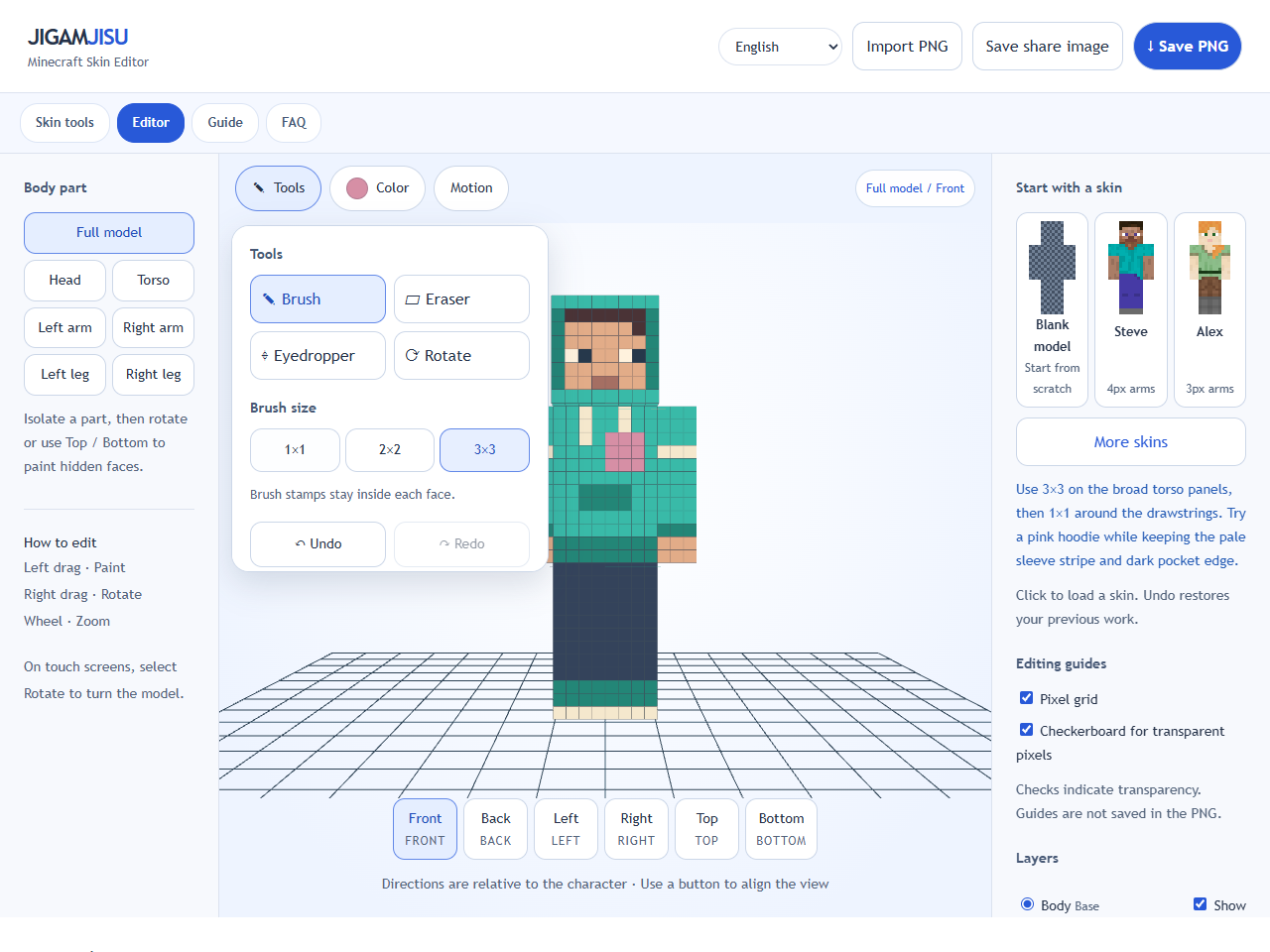
Open Mint Hoodie and choose Front. Open Color and enter #D68FA5 for a soft pink. Keep Body selected so you paint the clothing texture rather than an empty outer layer.
Open Tools and select the 3×3 brush. Paint the wide torso panels first, stopping before the pocket and drawstrings. A stroke stays within its face, but it can still cover small details on that same face.
Switch to 2×2 for the remaining small patches, then 1×1 beside the drawstrings and sleeve lines. If you cover a detail, Undo returns the last stroke; it is safer than guessing the old color.
Choose Back and both side views to continue the pink fabric around the hoodie. Leave the dark pocket edge and pale trim as contrast. Save PNG for Minecraft, or Save share image for a front/back picture.