
Paint Hidden Minecraft Skin Faces · Arms & Legs
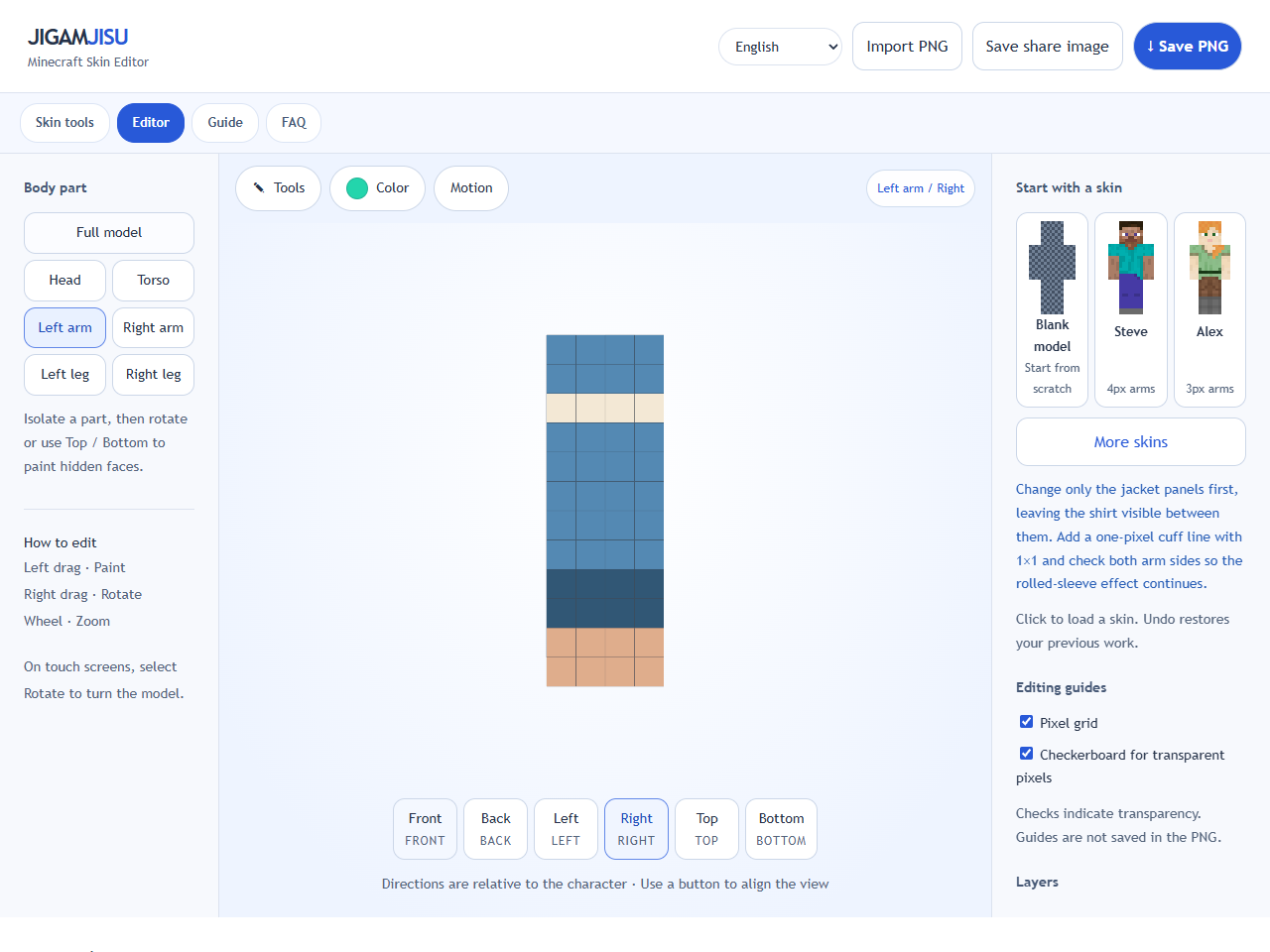
Open Denim Casual and select just one arm in the body-part controls. The torso and other limbs disappear so you can inspect the sleeve without obstruction. This only changes the view; it does not delete other parts.
Use Left and Right to inspect both arm sides. Pick the sleeve blue with the eyedropper, then use 1×1 near the cuff and exposed hand. Direction names are relative to the character, not your screen.
Try Top and Bottom to check the shoulder and hand faces. If something looks missing, inspect Body and Overlay separately: transparent Overlay is normal where no jacket trim is needed. Do not fill every transparent area of the unfolded PNG.
Repeat for the other arm and each leg, then return to Full model and rotate. Run the walking preview to see the limbs separate, return to editing if corrections are needed, and save the skin PNG.